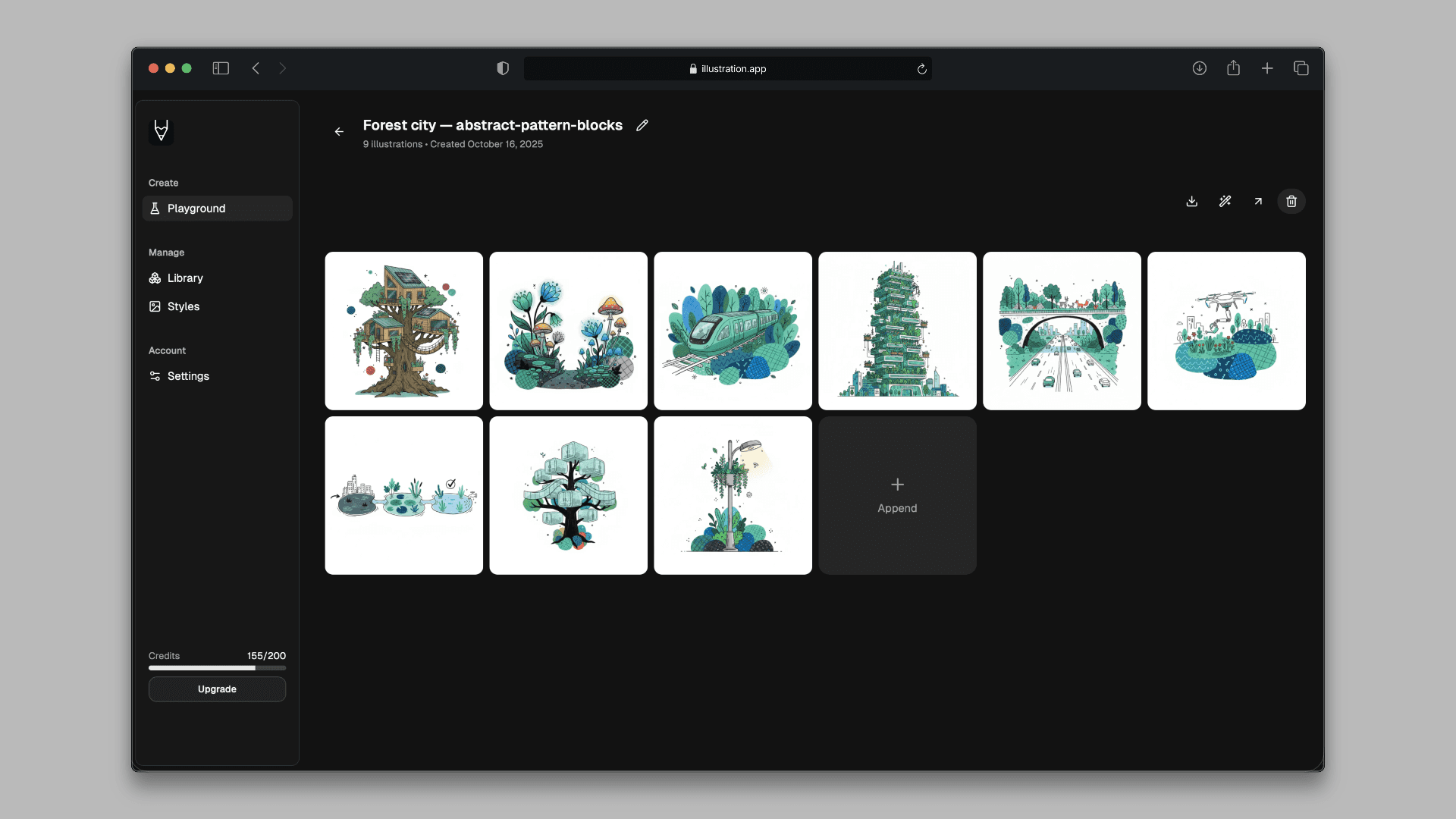
Static illustrations are great, but a little motion goes a long way. A gently swaying character, a slow zoom, a blinking icon—small animations catch the eye in a busy feed, make onboarding feel alive, and turn an ordinary empty state into something memorable.
Until now, getting that motion meant hiring a motion designer, learning After Effects, or wrestling with timeline tools. Today we are launching Image to GIF in illustration.app: select any illustration, click Animate to GIF, and we hand you a polished looping GIF in under two minutes.
How it works
Image to GIF builds on the same background job system that already powers vectorization and upscaling, so it fits naturally into your workflow:
- Open any illustration in the Playground or your Library.
- Choose Animate to GIF from the actions menu.
- We add subtle, illustration-friendly motion using an AI image-to-video model.
- We convert the result into an optimized, web-ready looping GIF.
- Download it from the export menu whenever you are ready.
The whole thing runs in the background. You can keep generating, close the tab, and come back—your GIF will be waiting in your library.
What it is great for
- Social media posts and ads that stop the scroll where a static PNG would not.
- Email and newsletters that need a touch of movement without bloated video.
- Product UI: onboarding flows, empty states, and success screens that feel alive.
- Pitch decks and landing pages where a single looping detail adds polish.
Because every animation starts from your existing illustration, it keeps your style and brand perfectly consistent—the same advantage you already get from cohesive illustration packs and one-click vector export.
Tasteful motion by default
We tuned the default motion to be subtle and loop-friendly rather than flashy. Flat, brand-style illustrations look best with gentle movement—a soft drift, a light parallax, a calm zoom—so the result reads as intentional design, not a gimmick.
What it costs
Animating an illustration costs 5 credits. AI motion runs a considerably more expensive model than a still-image transform, so it is priced as a premium action—but it is still a fraction of what a freelance motion designer charges, and you get the result in minutes instead of days.
Try it now
Head to the Playground, generate or open an illustration, and click Animate to GIF. Your first looping animation is just a couple of clicks away.